
5.18 Release Features
In this release, you’ll find the first stage of our charting renovation, improvements in online booking, new options in treatment planning, and a new third-party option for payments.
Key Features
Renovation Day 1
- For Charting. A new floorplan and flexible paint colors make it easier to see and use the chart. Learn more in this video: https://vimeo.com/540733019
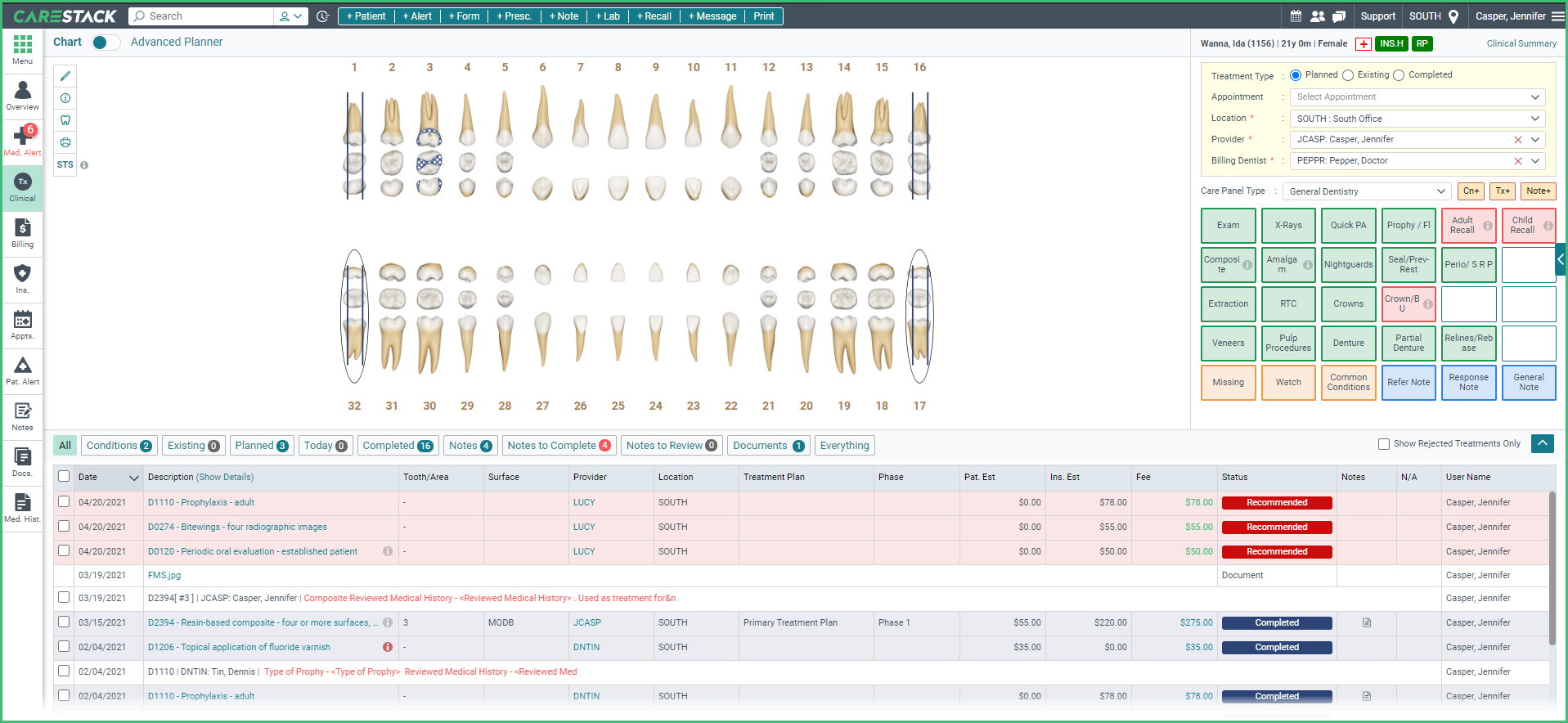
If you would like to have these Day 1 Renovations applied to your CareStack site, please reach out to Support. Otherwise, you'll receive the entire chart with the Day 2 Renovations.
One-time Authentication
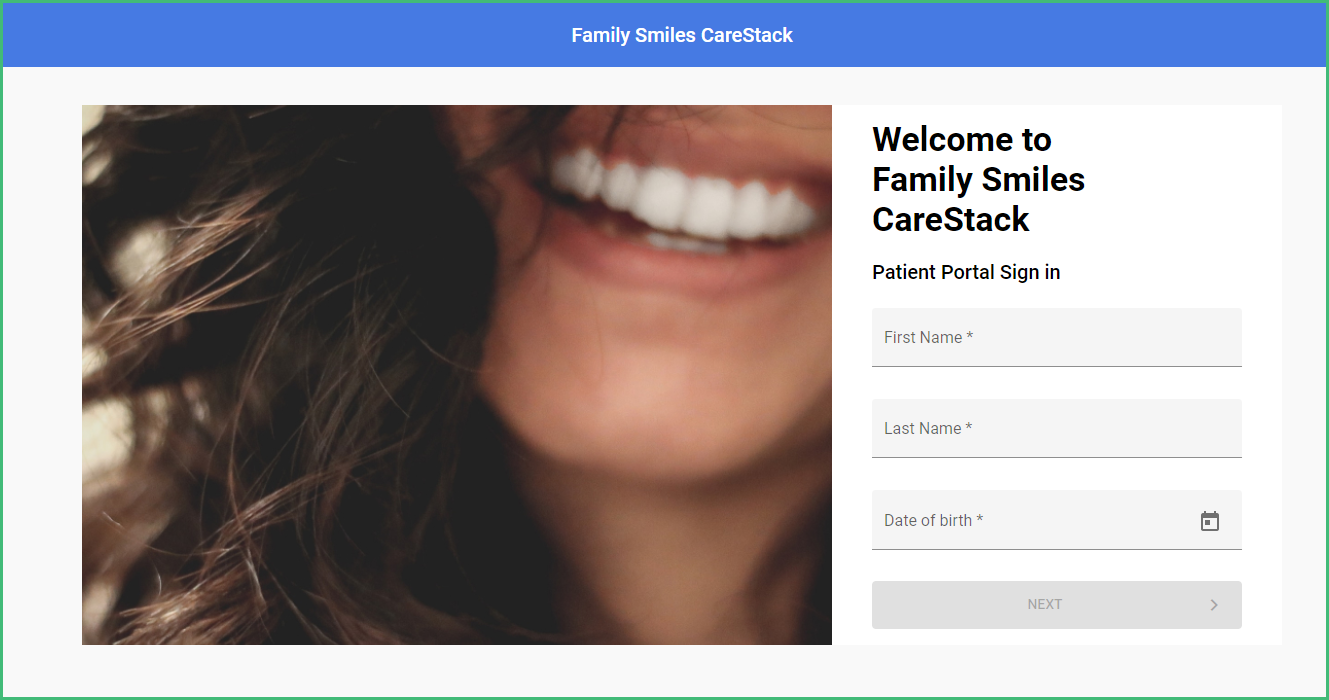
- Existing Patients can book online and complete paperwork. Patients that have used the One-Time-Verification to book an appointment can go on to complete the paperwork without a secondary validation.
Winner, Winner
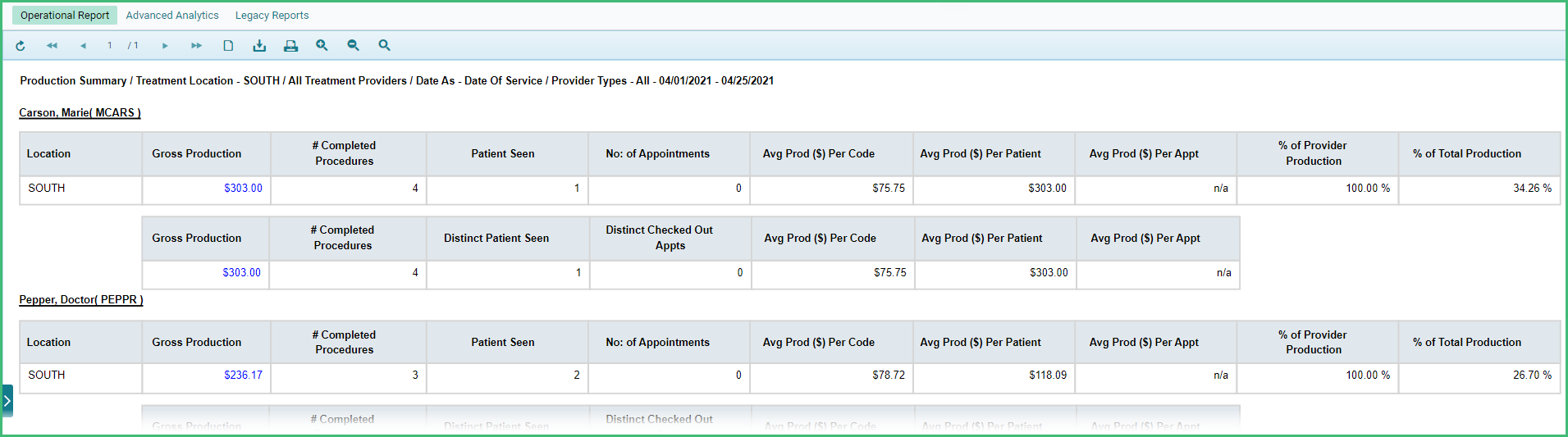
- Are your teams competitive? Study and compare location or provider level production performance by date of service in either summary or detail views with a new Production Summary operational report.
More Improvements
Revenue Cycle Management:
- Offer your patients the ability to pay by text or through the patient portal by enabling the options on an individual location basis.
- Accept credit card payments in the office with Apex
Clinical:
- Present the treatment plan with or without fees, insurance breakdown, or the total estimated column.
- Chart procedure codes more easily with expanded configurations for mapping the code to a tooth, quadrant, or multiple teeth.
- Identify codes with the Accepted, Alternative, and Hold status within the odontogram.
Front Office:
- Trigger appointment confirmation and reminder Patient Engagement campaigns even for same-day reschedules.
- Patients can confirm multiple appointments from reminders on their mobile device by replying more than once.
Online Booking and Patient Portal:
- The portal is safer with a 24-hour lock after three incorrect attempts. Free legitimate patients from the lock directly from the Patient Overview.
- Patients can add new members to their accounts directly within the portal.
Reporting and Analytics:
- Create and share the Analytics Dashboard or its widgets with other users so you are all on the same page with metrics and analysis.
Setup and Administration:
- Smooth the transition of users to CareStack during implementation now that users without login access don’t require an email address.